
Deactivating a BHA Group
Deactivating a BHA Group updates a BHA Group from a status of Active to Inactive. What is the difference?- Active BHA Groups are displayed on the daily report.
- Inactive BHA Groups are not displayed on the daily report and their components are collapsed by default in the editor.
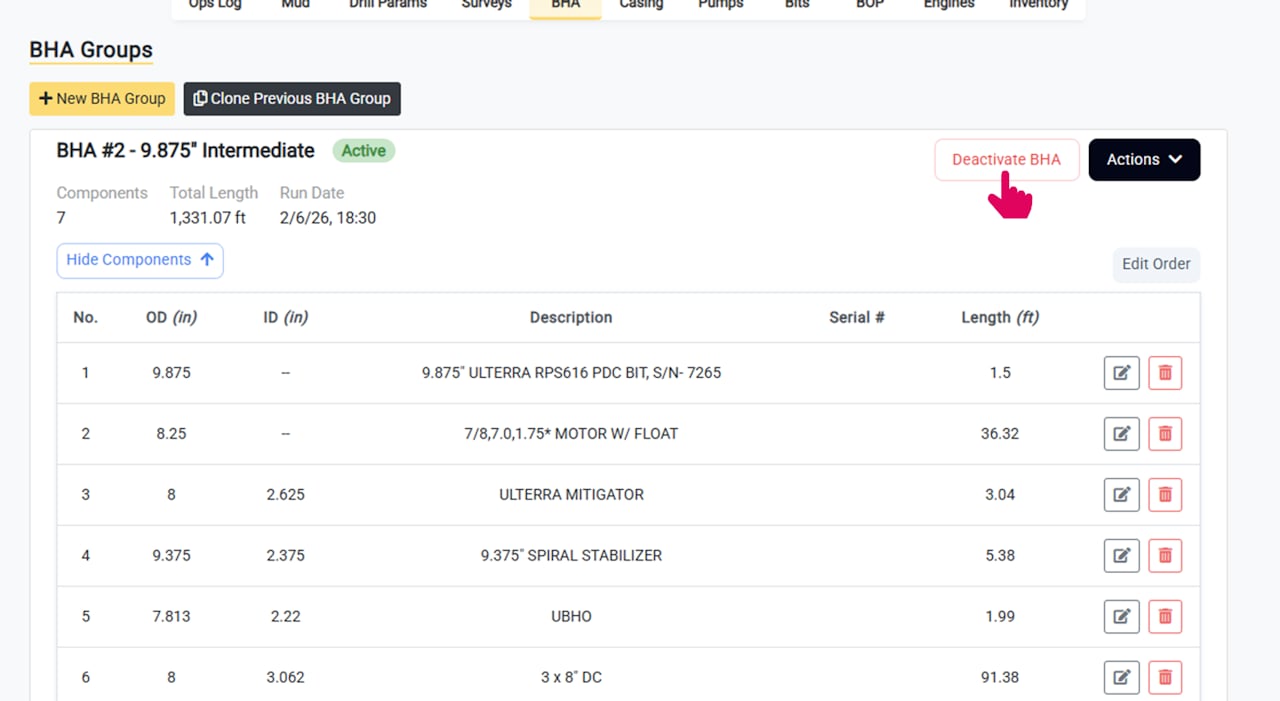
BHA Groups can also be deactivated automatically when creating or cloning a new BHA Group.
Complete the Deactivation Details
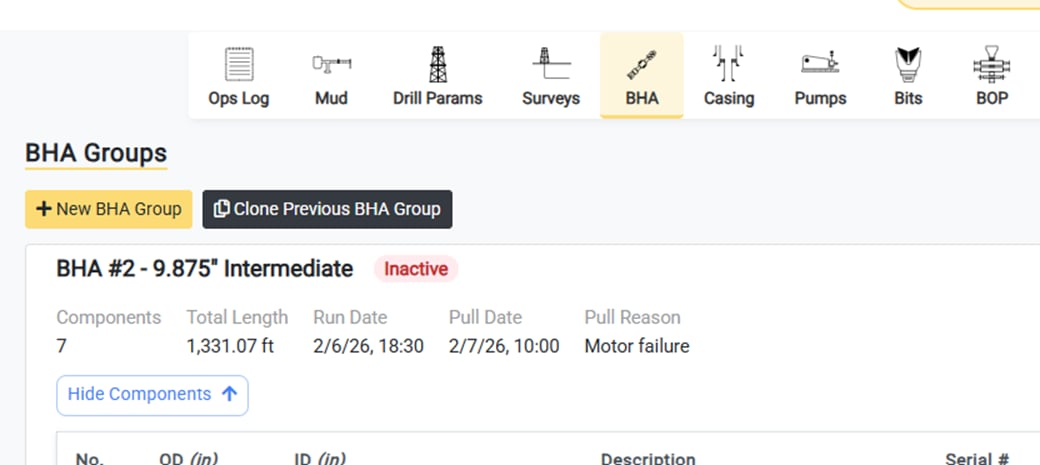
When deactivating a BHA Group you can enter the following details:- Pull Date and Time
- Reason for Removal (e.g. broken motor, section complete, etc.)
The Deactivated BHA Group is Displayed as Inactive
Once complete, the deactivated group is displayed as Inactive.