

Assign Users as Company Reps
Administrators have permission to create or edit reports for any jobs. Users and 3rd Party accounts must be assigned as a company representative to have permission to create or edit reports for a job. The job creator or an Admin will need to assign the user as a Company Rep while creating a job or from the Edit Job page.Assign Company Reps
The list of Company Representatives for a job controls two things:- Assigning Users or 3rd Party accounts as company reps gives them the ability to create or edit reports for the job.
- Assigning Non-Users (contacts) as company reps allows their names to be displayed as Job Supervisors on the report.
In Edit Job
After clicking the Edit button in a job, scroll down to Assign Company Reps to add your company representatives.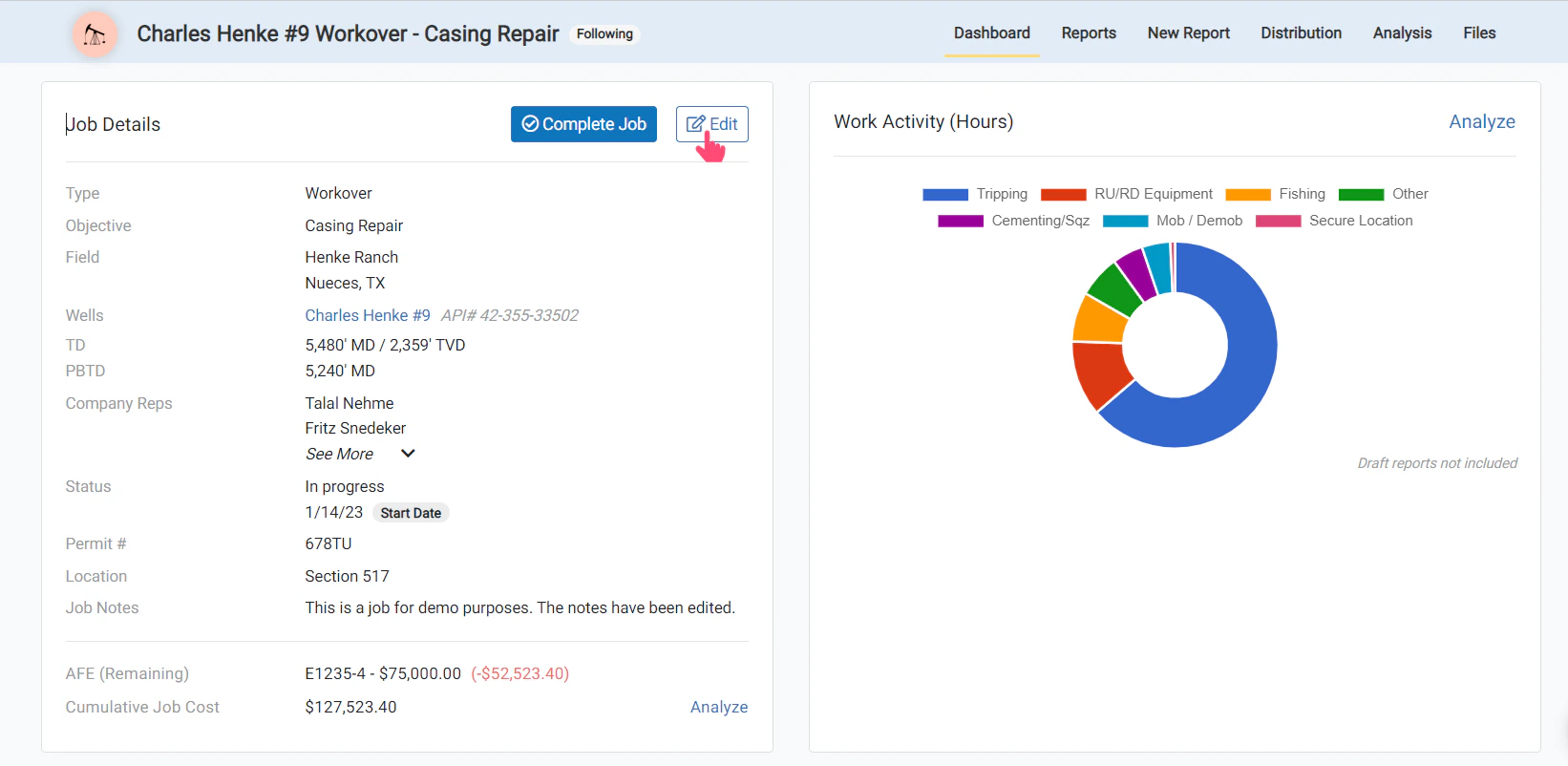
In Create Job
While creating a new job, at the bottom of the form, you will see the Assign Company Reps section.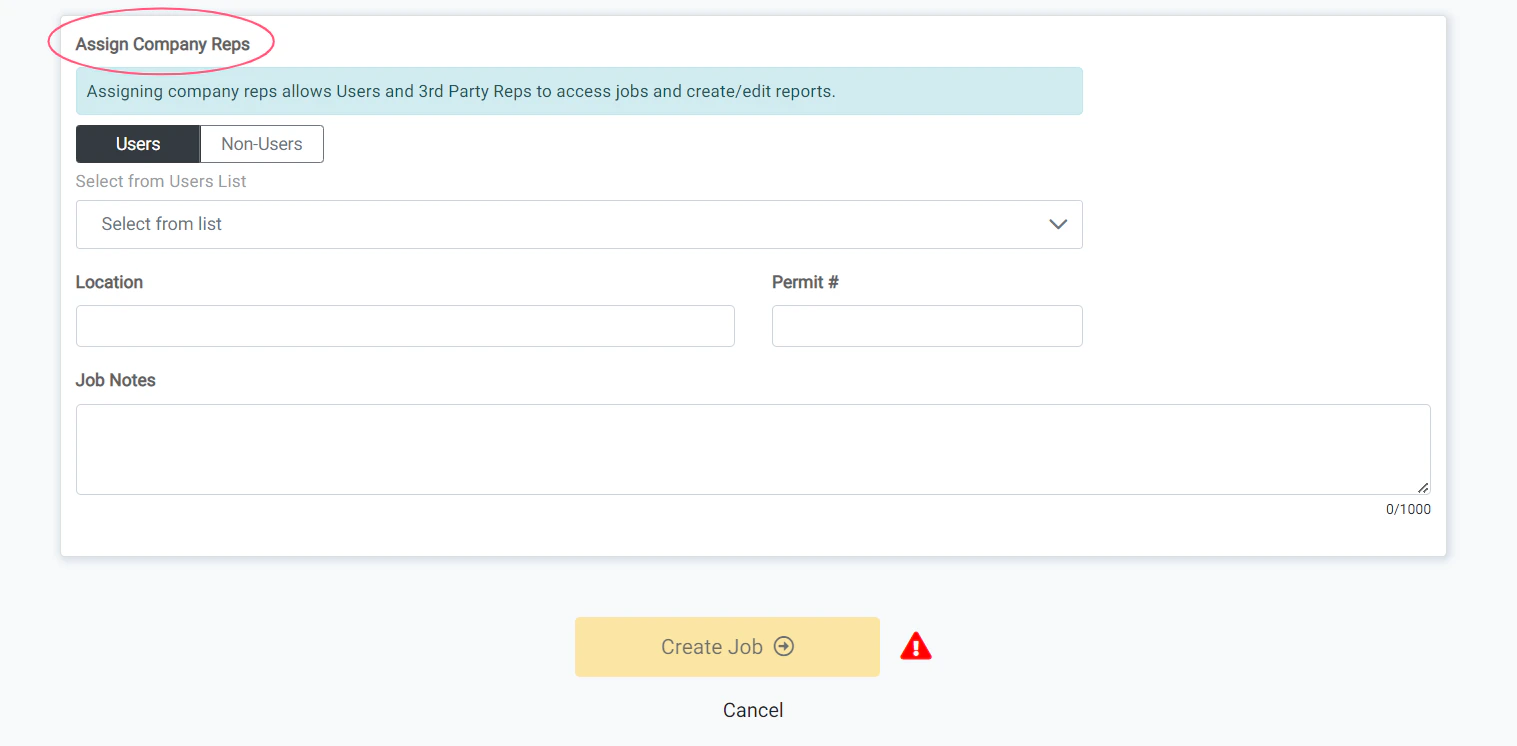
Assign Company Reps
Follow this guide for full step-by-step instructions on assigning company representatives to a job.