
Release Notes - [10/31/2022]

🚀 New Features
  • Complete Job functionality
  • Stale Jobs reminder with Quick Complete option
  • Extra Perforation input fields
  • Template-based Perforation import capability
✨ Improvements
  • Display user’s full name (instead of username) for the “Created By” and “Last Update By” fields
  • Job Start Date on the Homepage and in the Job Vault now displays the Anticipated Start Date until the first report is submitted

New Complete Job Functionality
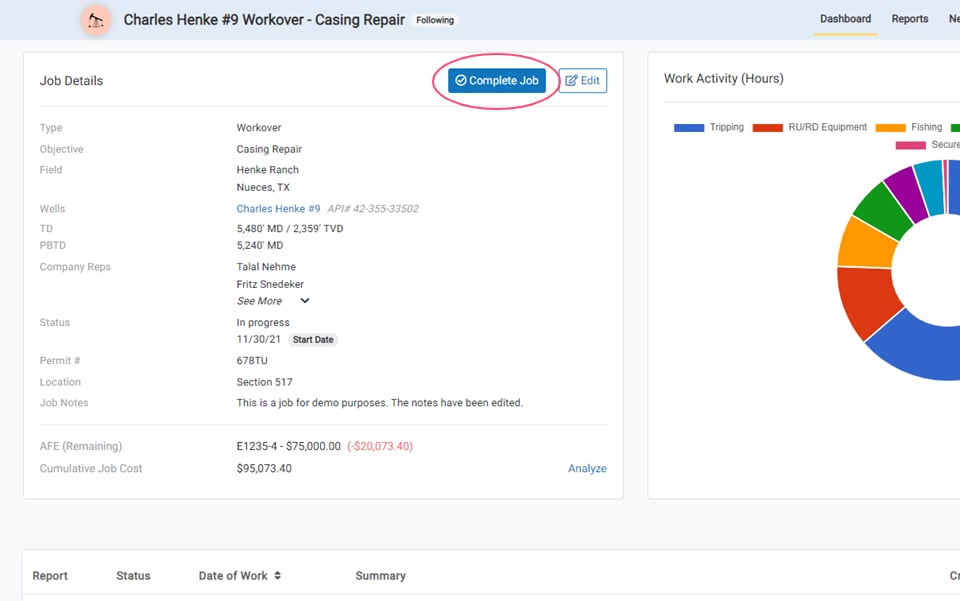
New Complete Job Functionality A Complete Job button is now present on jobs that have at least 1 submitted report. Previously, job completion required accessing the Edit Job window to change the Job Status manually.

Complete Job Options

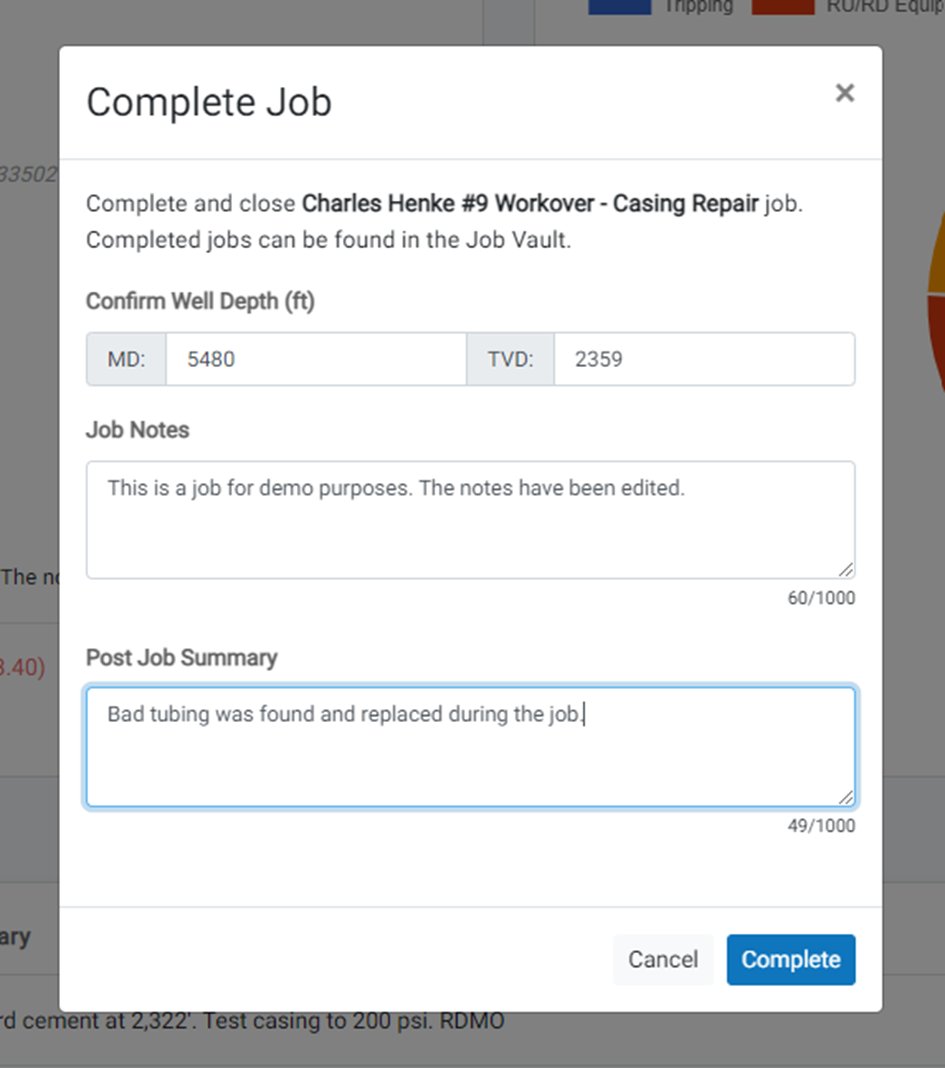
Complete Job Options Clicking the Complete Job button will open a window that allows you to confirm well depth details, validate job notes, and enter a Post Job Summary. This summary field accommodates lessons learned or final job details that are relevant, and becomes permanently visible in job records for subsequent viewers.

Re-Open Job

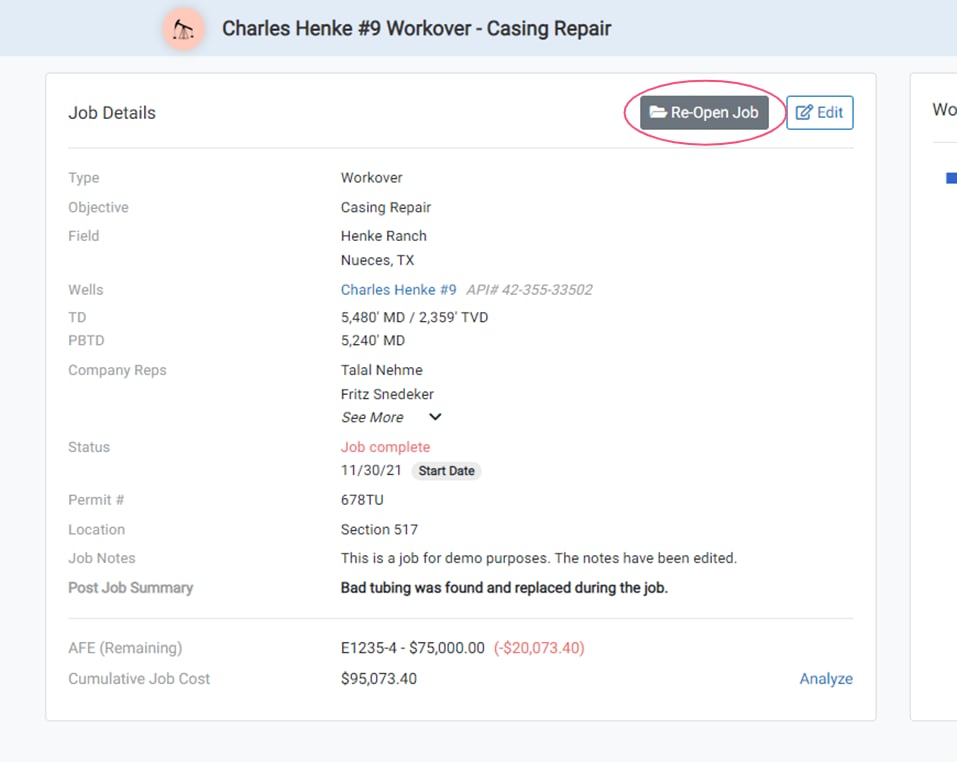
Re-Open Job Completed jobs are removed from the homepage and available in the Job Vault. A dedicated Re-Open button lets you revert a job’s status back to “In-Progress,” restoring its visibility on the main dashboard.

Stale Jobs

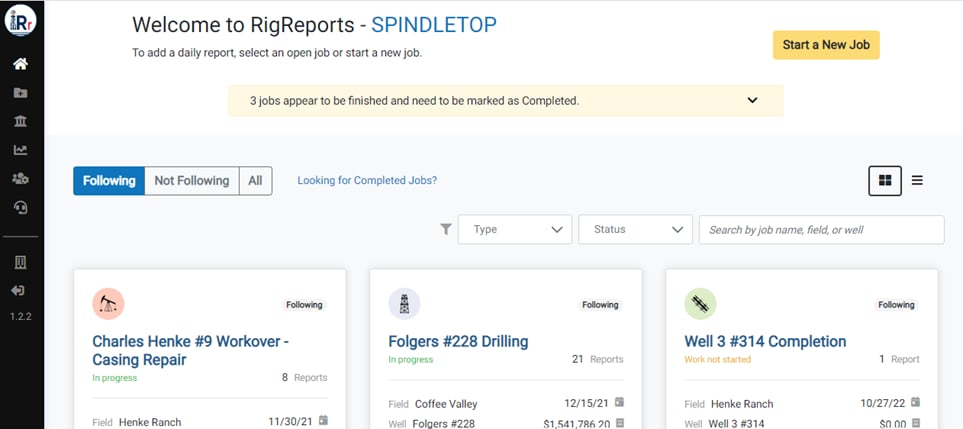
Stale Jobs Jobs are considered stale when the last report is more than 8 days old. Users receive notifications about inactive jobs to help teams identify and close out abandoned work items.

Quick Complete

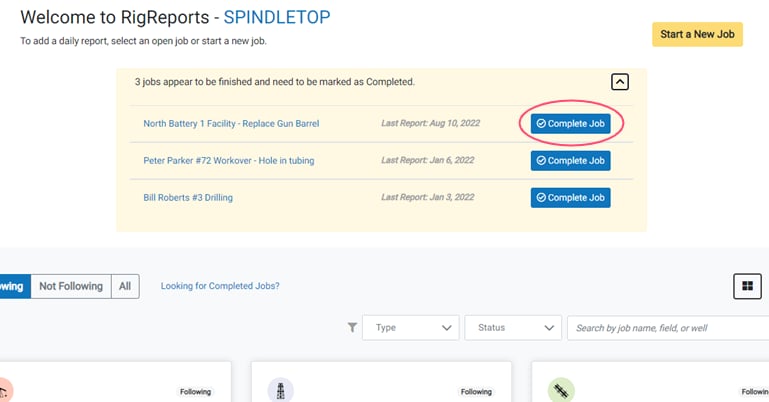
Quick Complete An expandable window on the Homepage shows stale jobs, the last submitted report date, and a button for quickly completing the job directly from the Homepage.

Perforations Template

Perforations Template A new Perforations Template allows you to enter or paste the perforations for a job (or well) directly into the template. Validations and notifications are displayed in the template to ensure proper data is entered.

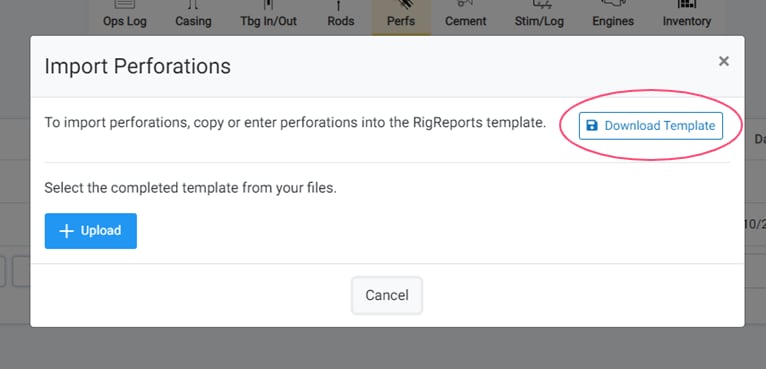
Download Template

Download Template Click the Download Template button to download the perforations template.

Import Perforations from a Template

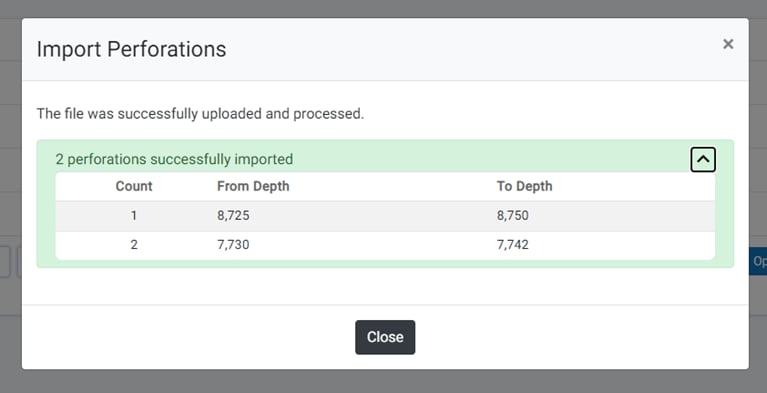
Import Perforations from a Template Perforations can now be imported using the downloadable template, streamlining workflow efficiency.
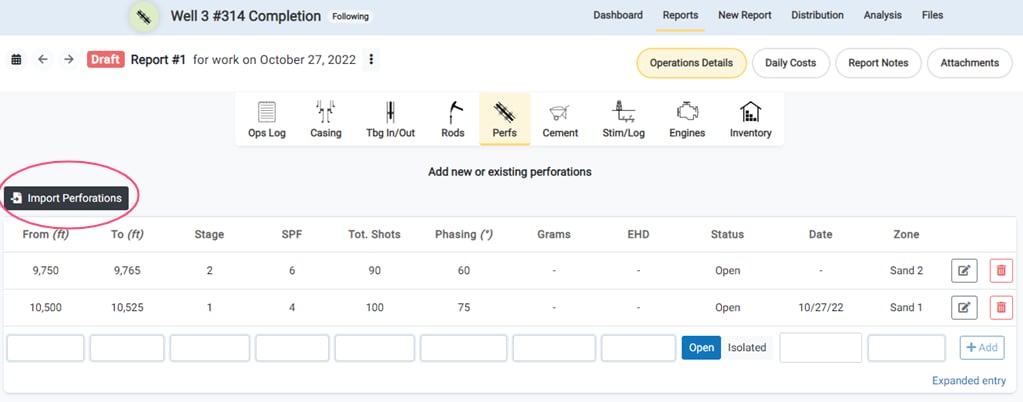
Upload Perforations Template

Upload Perforations Template Upload the completed template to add new perforations to the job.
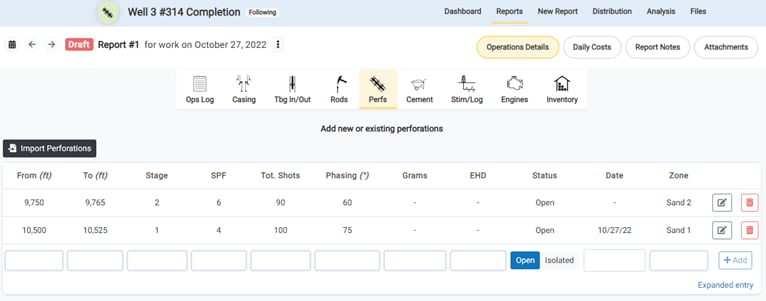
Additional Perforation Inputs

Additional Perforation Inputs Several new perforation fields have been added for data entry, including Stage, Total Shots, Grams, and Equivalent Hole Density (EHD) measurements. Total shots will calculate automatically by multiplying Shots Per Foot by the Depth Range (To Depth minus From Depth), but are also overwritable.

Minor Feature Updates

  • User full names now display instead of usernames for “Created By” and “Last Update By” report fields
  • The Job Start Date on the Homepage and in the Job Vault displays the Anticipated Start Date until the first report is submitted. After that, the first report date of work value is used