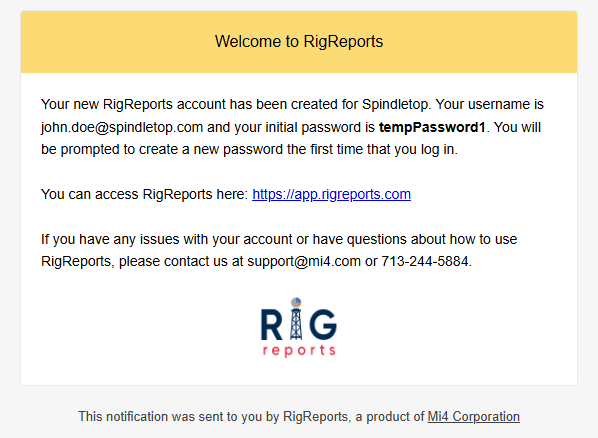

Add A New User for your Organization
To get started, access the Administration page from the left navigation menu and select the Users tab.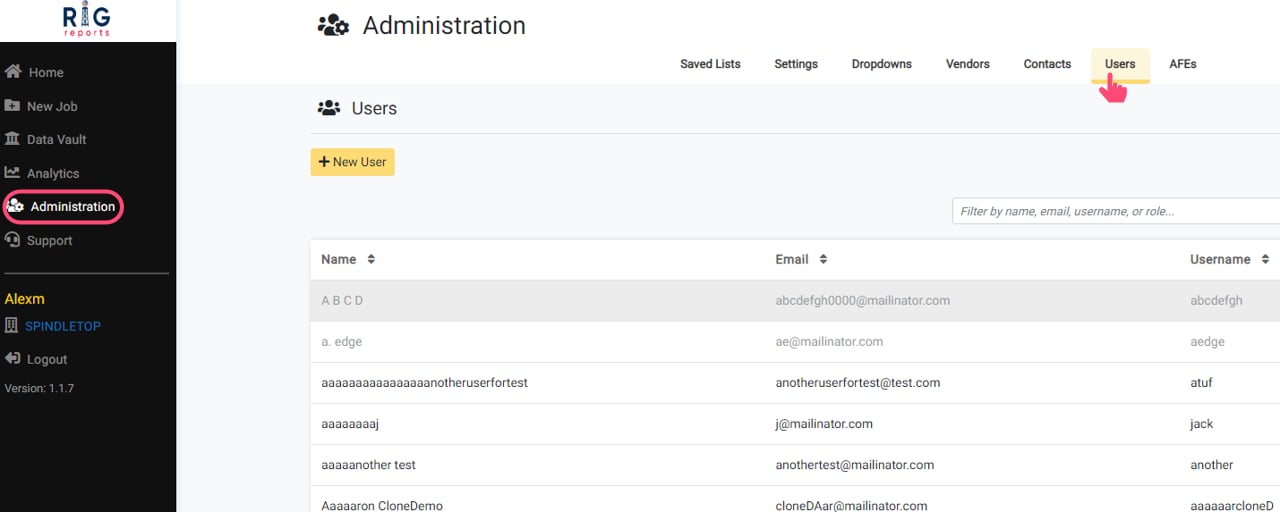
Open the New User Form
Click the New User button. This will open a window with a form for creating the new user.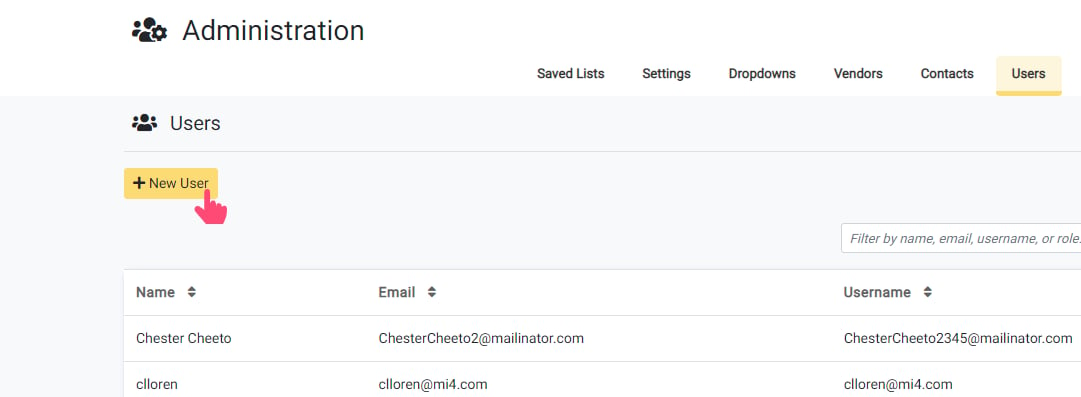
Complete the Form
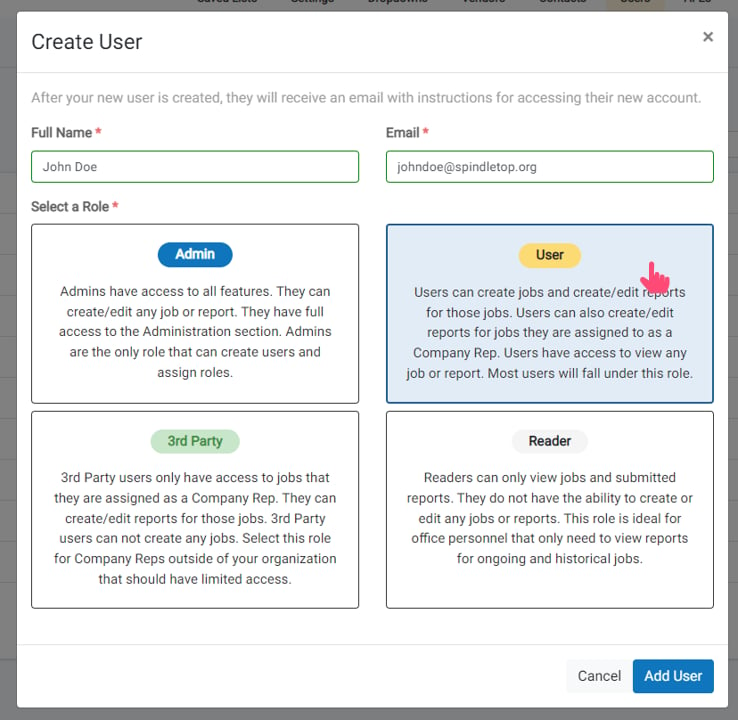
Enter the user’s full name and email address. Then, select the role that will be assigned to the user.Descriptions of the difference in permissions assigned are displayed below each role.
Submit the Form
Click Add User to submit the form. Once the user is created, a success message will display, letting you know that the user has been created and sent login instructions.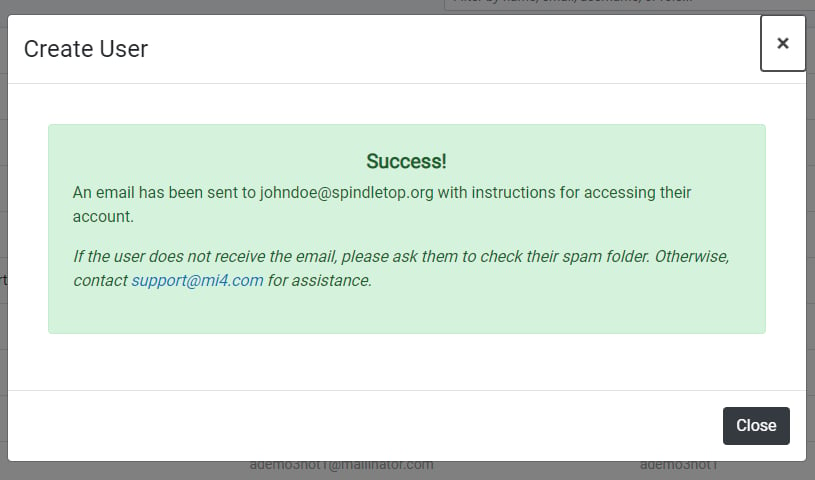
New User Email
The new user will be sent an email with instructions for accessing their new account. If they have any issues or are unable to access their account, please contact support@mi4.com.