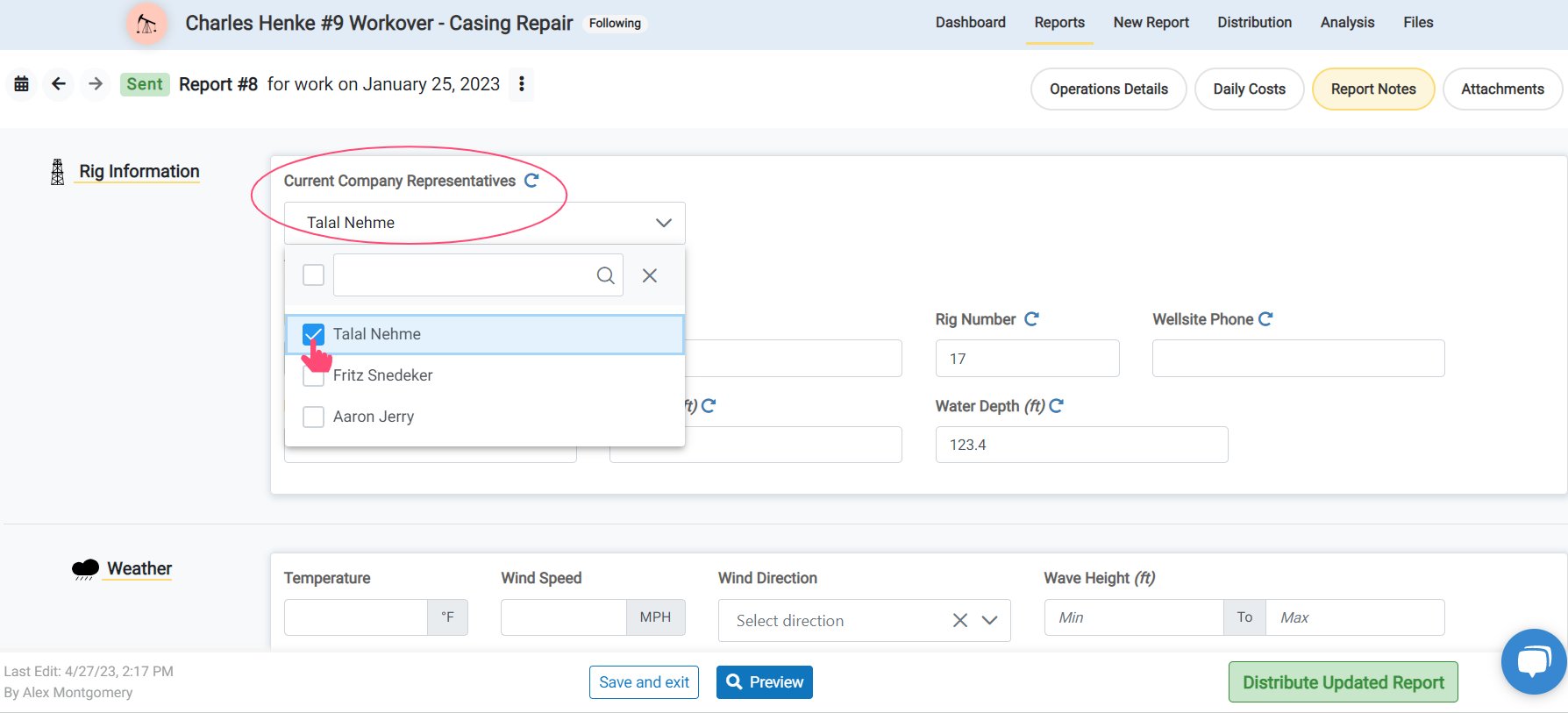

In Edit Report
After adding Contacts and selecting Company Reps for the job, you can change the Current Company Representatives for a report from the list. This will control what names are displayed as the Supervisor on the report. To get started, open the Job.This can be used when shift change occurs for supervisors, or if a shared login account is needed for access to a report but you do not want to display the name of the account in the Supervisor list.
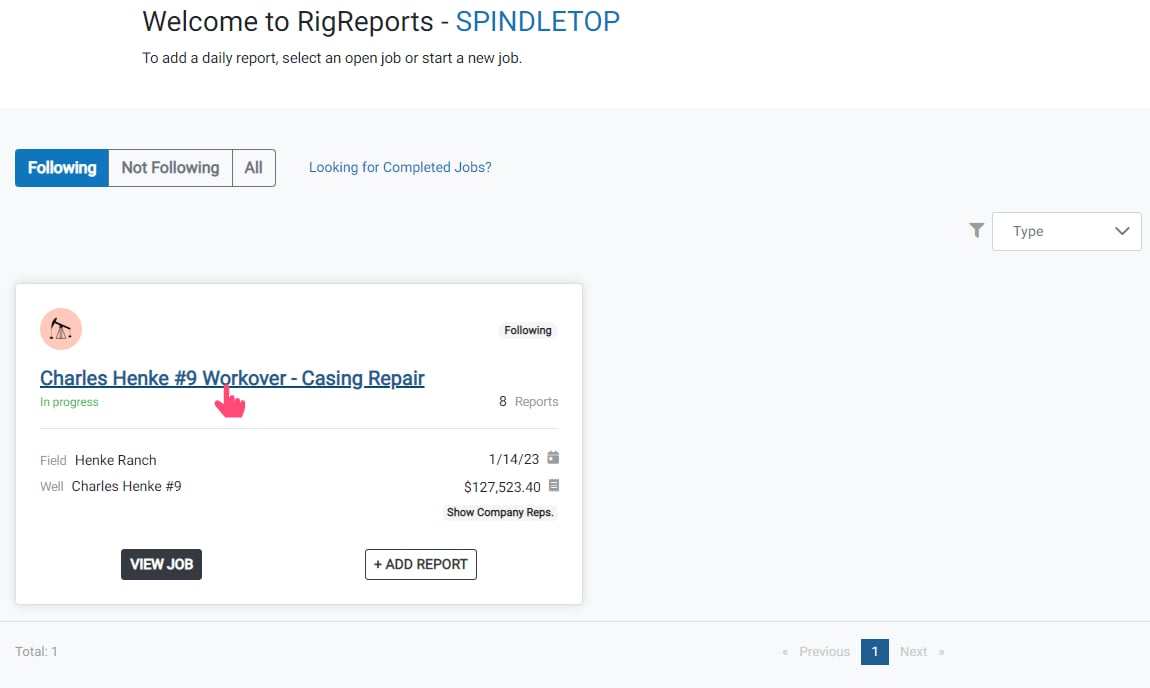
Edit Report
Next, scroll down and click the Edit Report button of the report you would like to edit.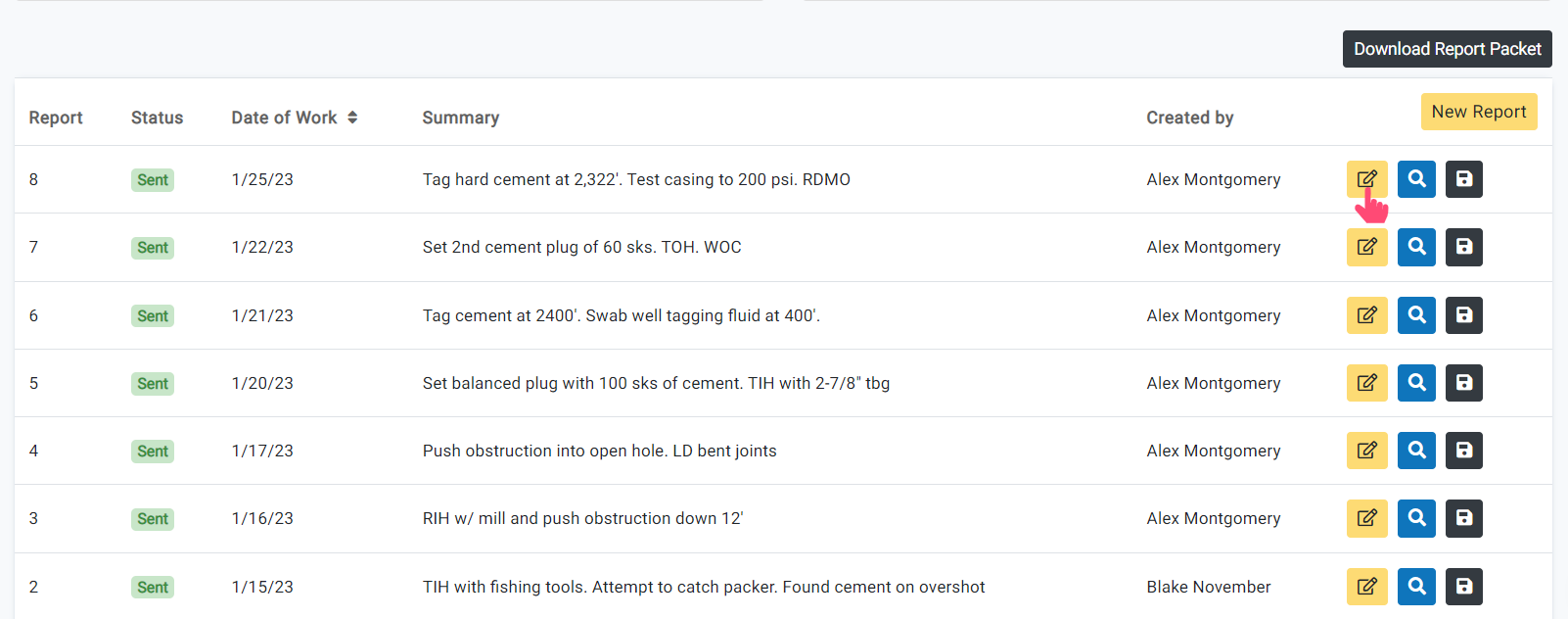
Report Notes
Next, click Report Notes on the top right of the screen.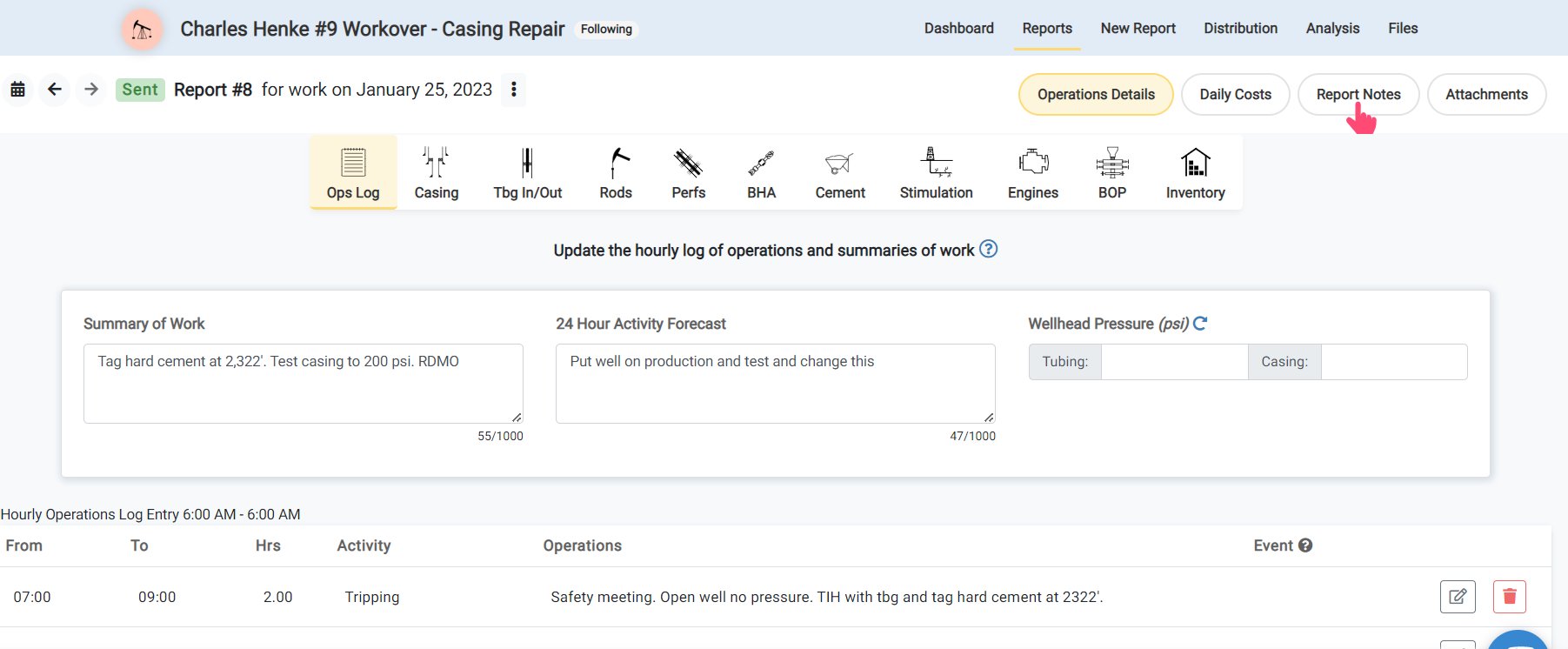
Current Company Reps
To show users or contacts’ names as Supervisors on a report, click Select from list of Current Company Representatives.Their names will be listed on the report as Supervisors. The selected names will carry forward on each future report until the selection is changed.