
Add Multiple Wells
If you have multiple wells or a list of wells to add, you can use the Import Wells feature.Import Wells
Begin by navigating to Wells Management from Administration → Wells. Click the Import Wells button.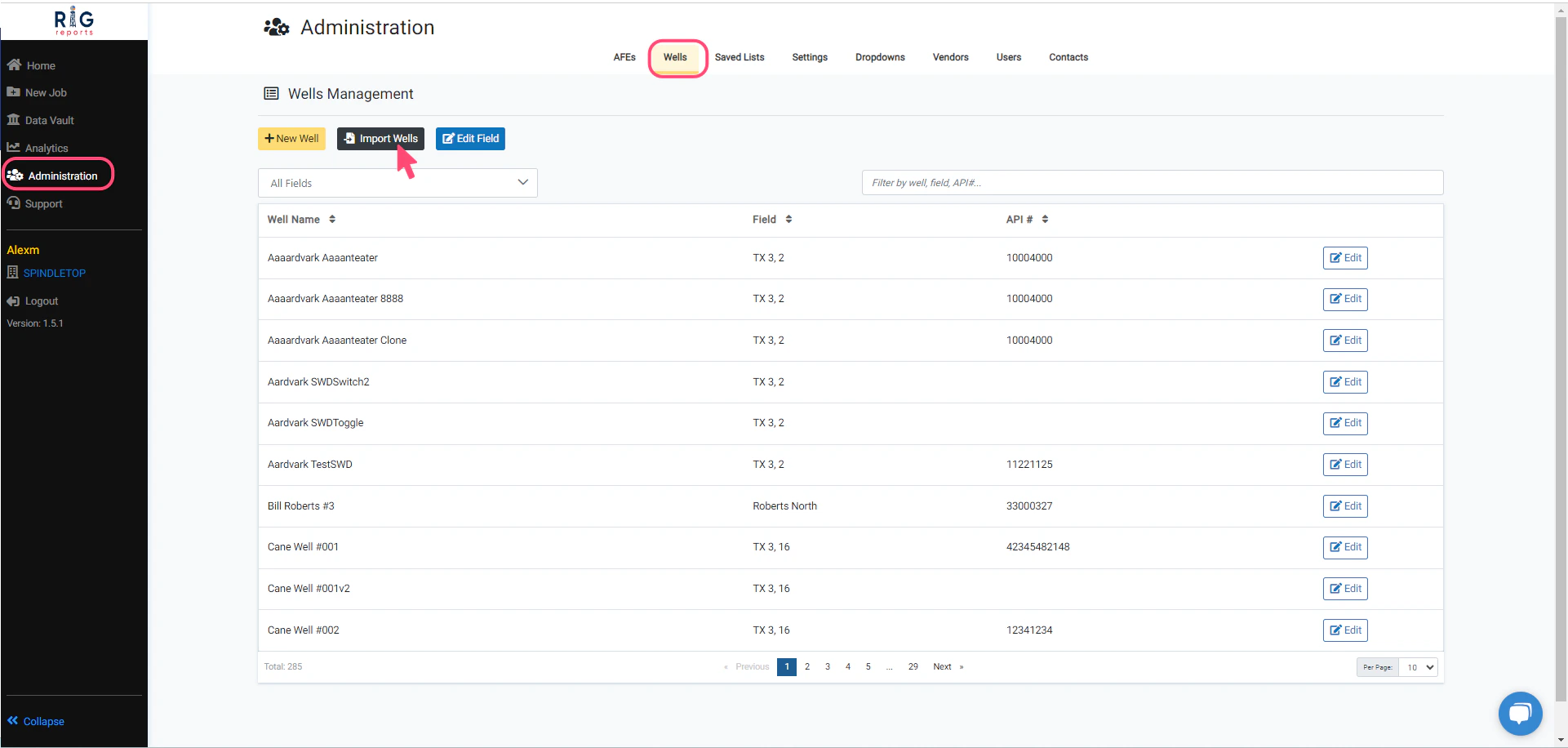
Download Template
Click the Download Template button to download the Excel template where you can paste or enter your well list.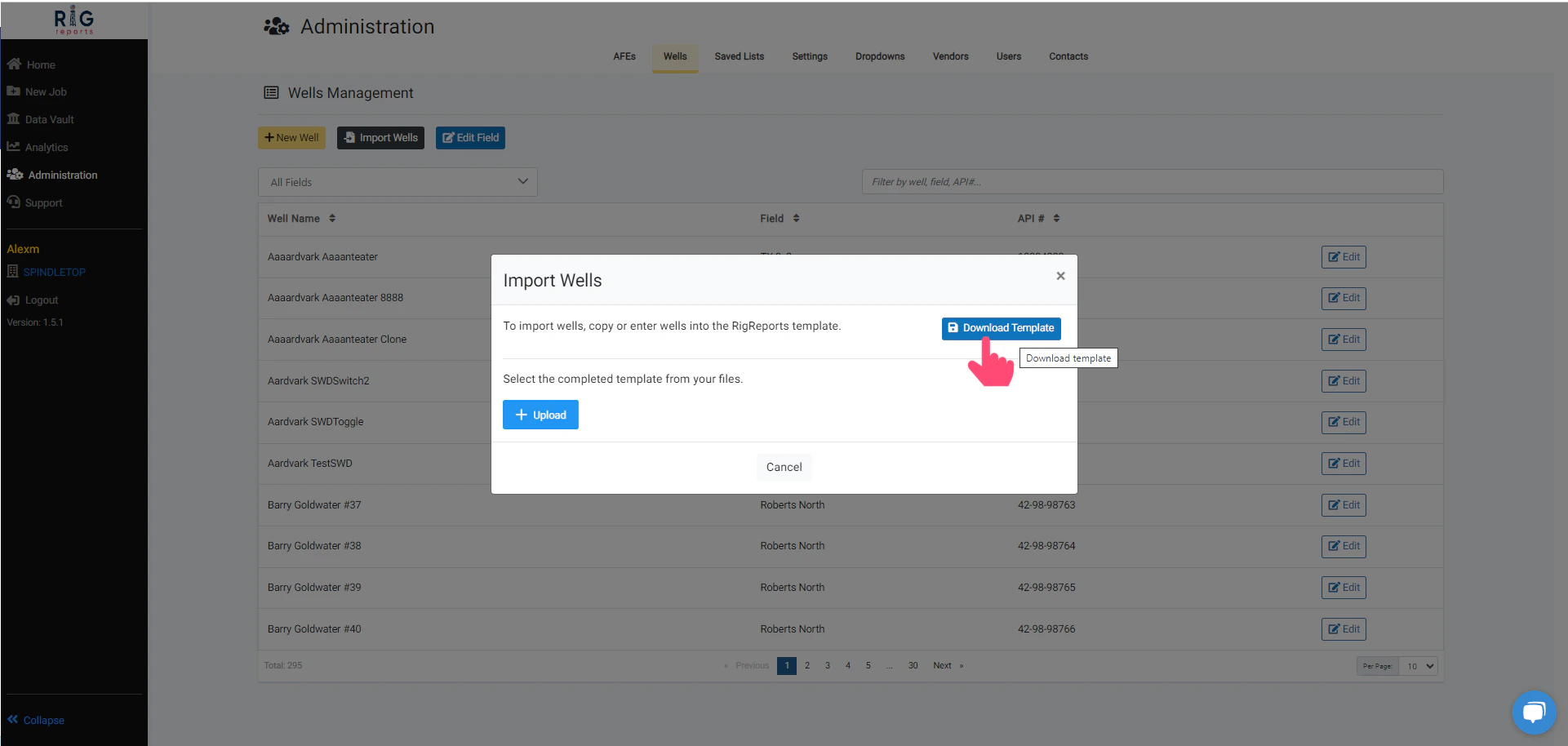
Fill in the Template
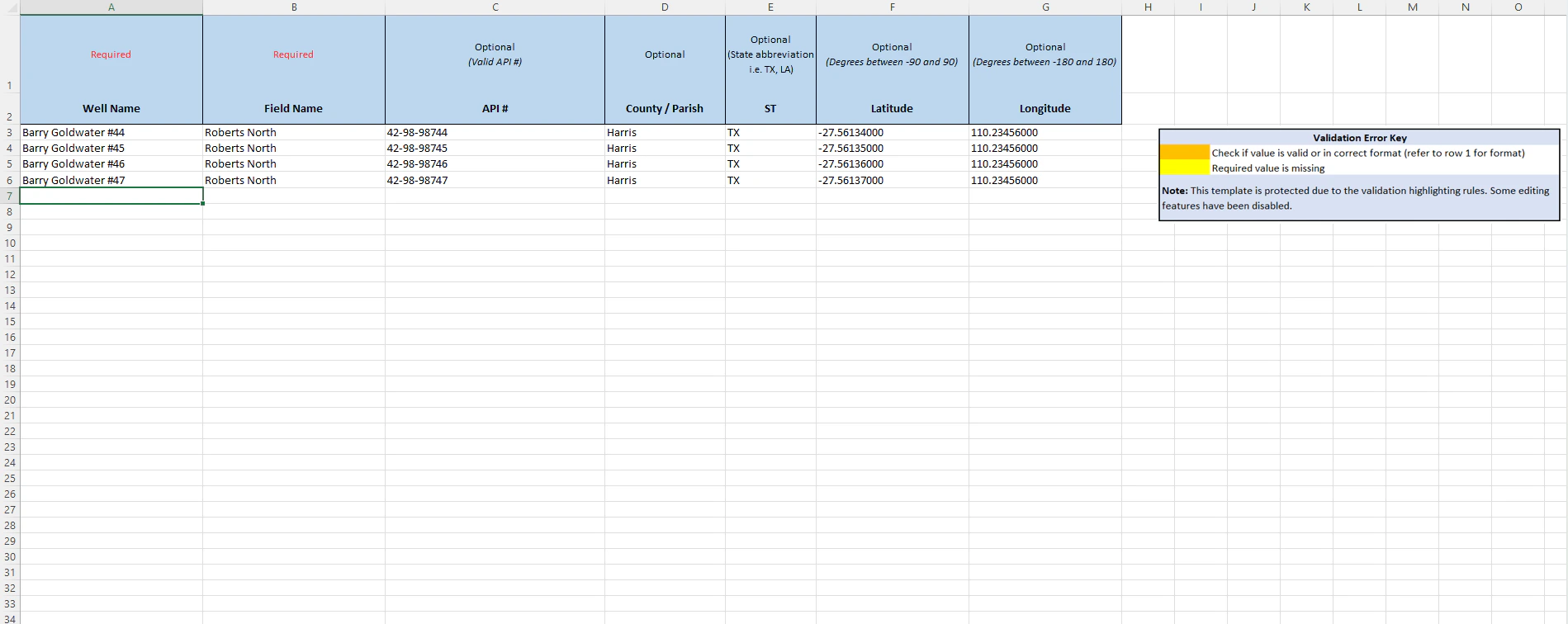
The Excel template is easy to use and can accommodate any number of wells. The Well Name and Field Name are required. All other values are optional.Remember to check if a value is valid or in the correct format.
If the Field Name in the list does not already exist, it will be created automatically.
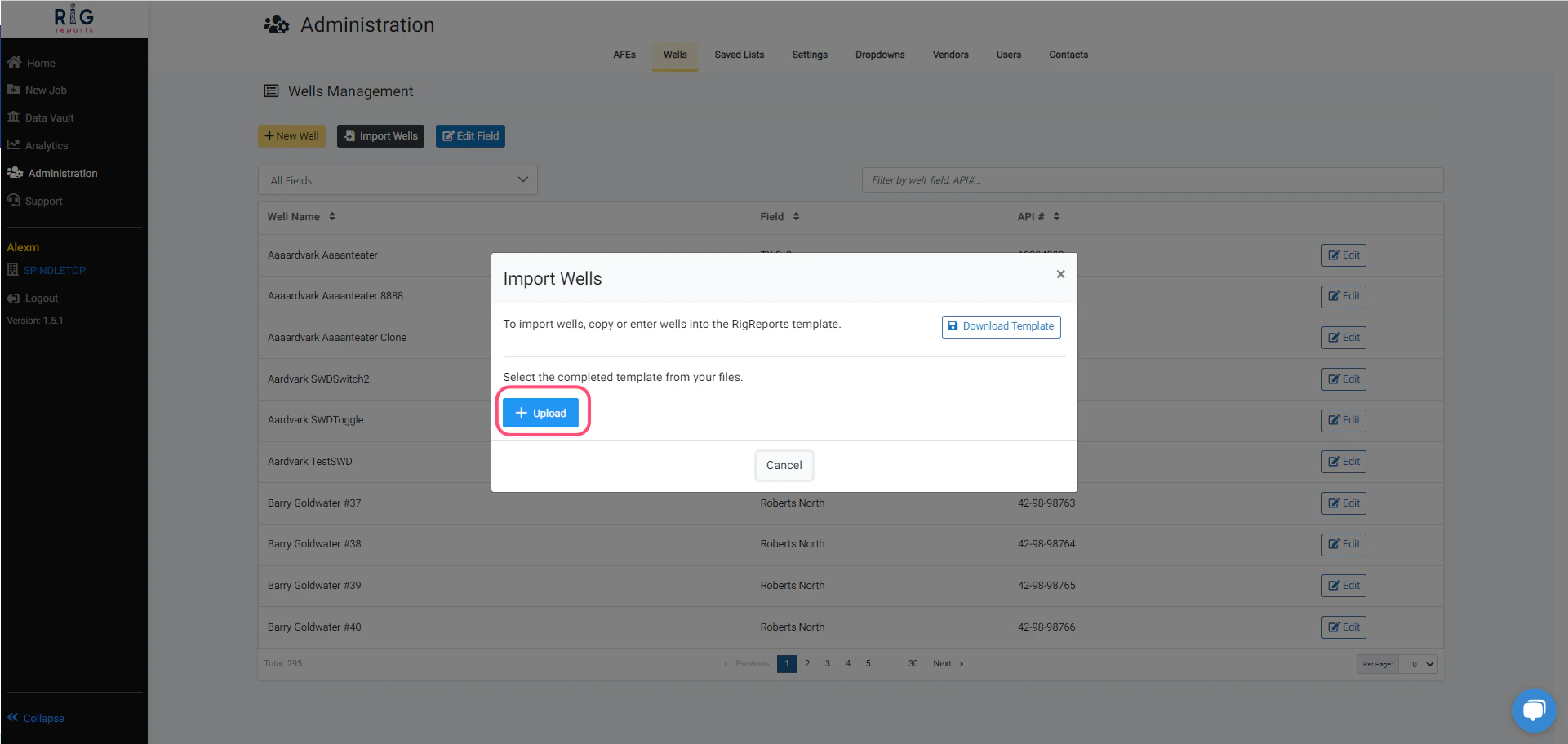
Upload
Save the completed wells template and upload it to your well list. You have successfully imported multiple wells!