
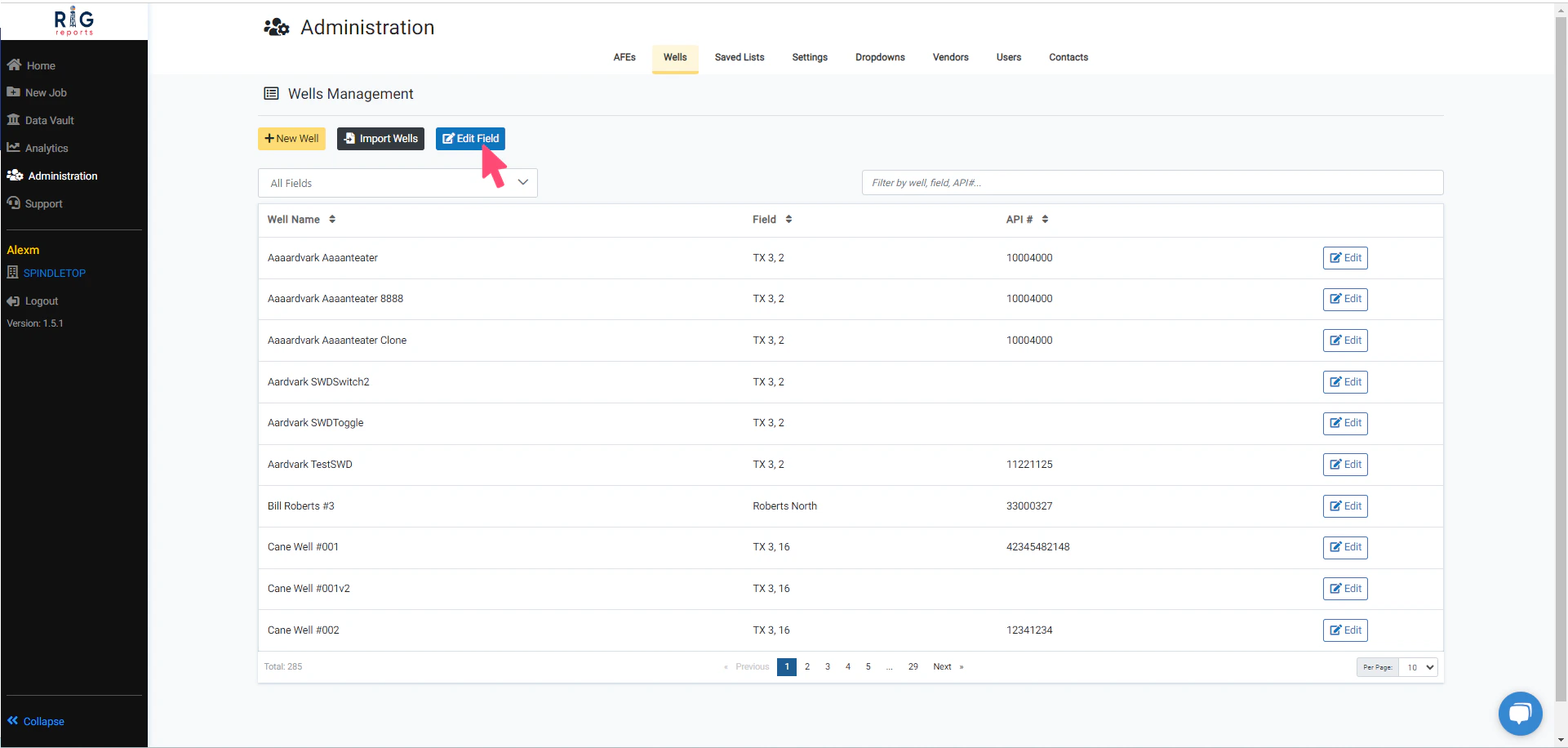
Edit Field
Access to the Wells Management page is only available to users with the role of Administrator.
Choose a Field
Next, select the field that you would like to edit. Once the field is selected, you can modify the available field properties. After the desired field changes are complete, click the Update button to save changes.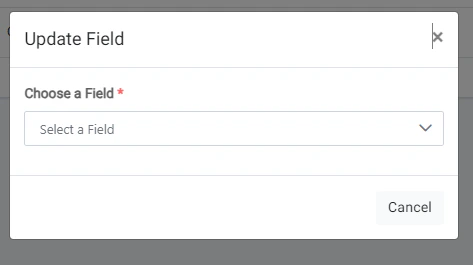
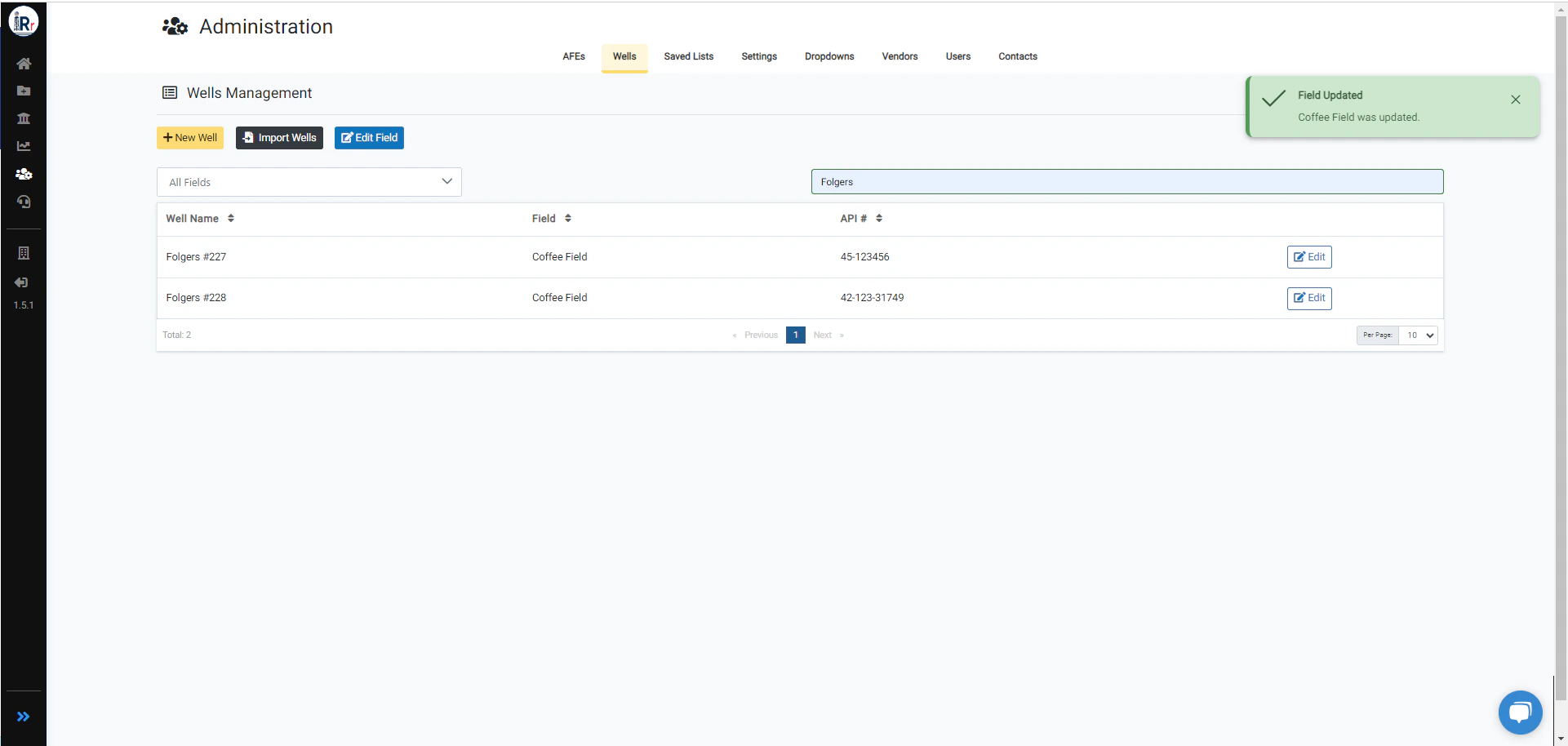
Field Updated Success
A message will pop up after the field is updated successfully.