
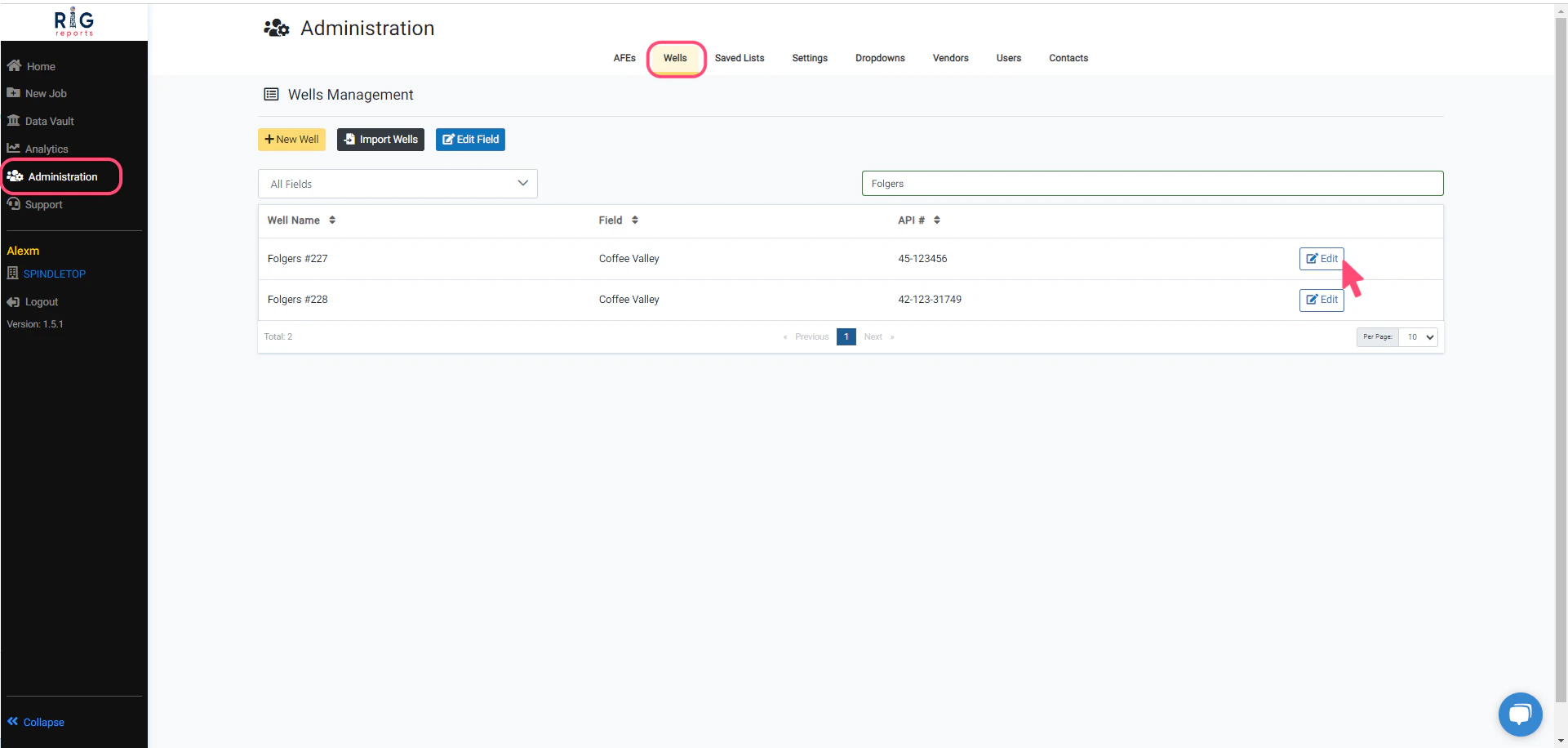
Edit Well
Access to the Wells Management page is only available to users with the role of Administrator.
Edit Well Form
To update a well, make your desired changes for the well properties. Then, click the Update button to save your changes. A message will pop up in the top right corner indicating that the well was updated successfully.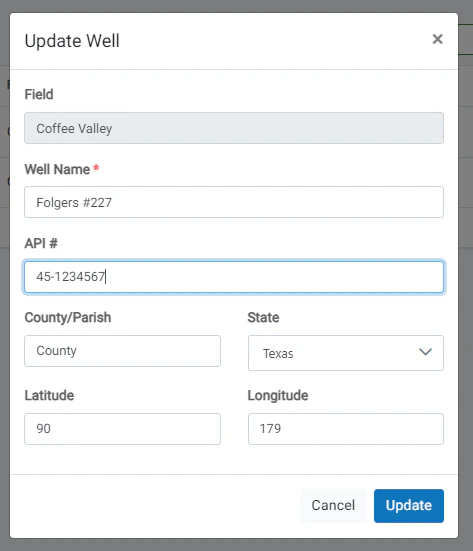
Well Edit Restrictions
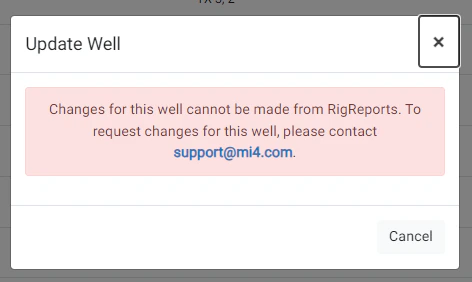
Please note that some wells cannot be modified from RigReports. You will need to contact support@mi4.com for any changes to these wells due to the complexity of timeline modifications affecting production data.