

Release Notes - [09/30/2024]
![Release Notes - [09/30/2024]](https://mintcdn.com/mi4/JL2m4KXNkbKSMdhx/images/release-notes/3829825.png?fit=max&auto=format&n=JL2m4KXNkbKSMdhx&q=85&s=d7e498d878f272699965dba2f22ef4ab)
- Flowback Jobs
- Direction Survey Import Partial Success/Failure
- A bug was fixed related to updating the total AFE value on the AFE Details after modifying the line-item details for an AFE phase budget.
- The mobile report submit controls were updated to improve the user experience on a mobile device and provide more screen space for report editing.
Explore
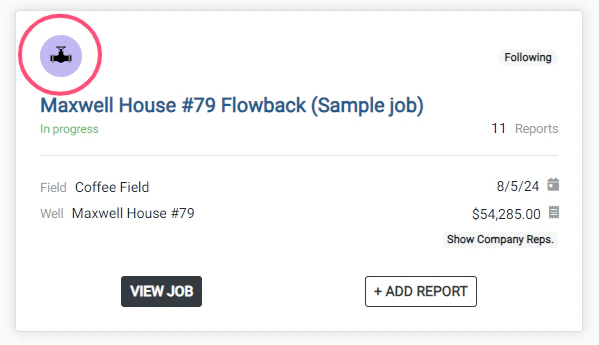
- Flowback jobs will be identified on the homepage with the purple flowline icon
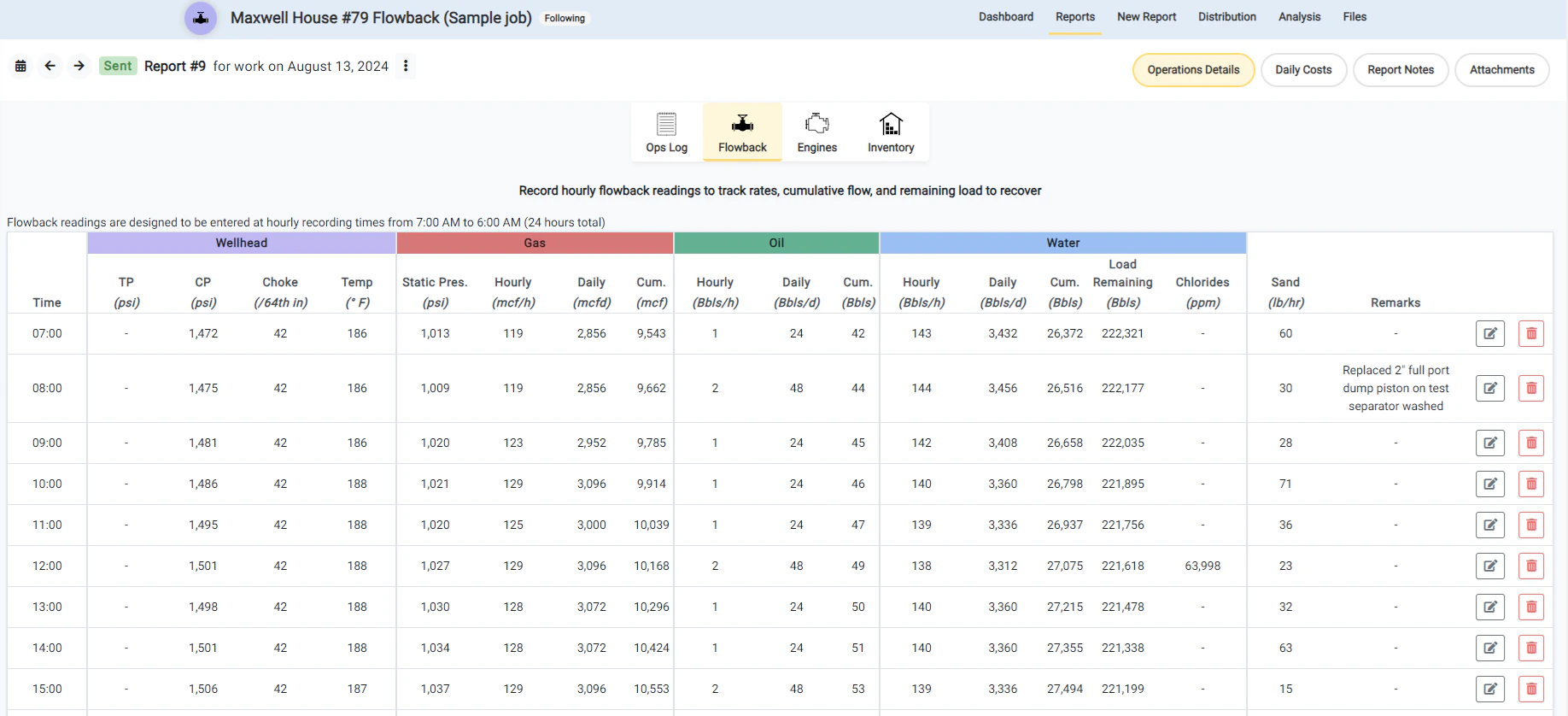
- Currently, flowback jobs have the Ops Log, Flowback, Engine, and Inventory components available.
Sample
Direction Survey Import Partial Success/Failure
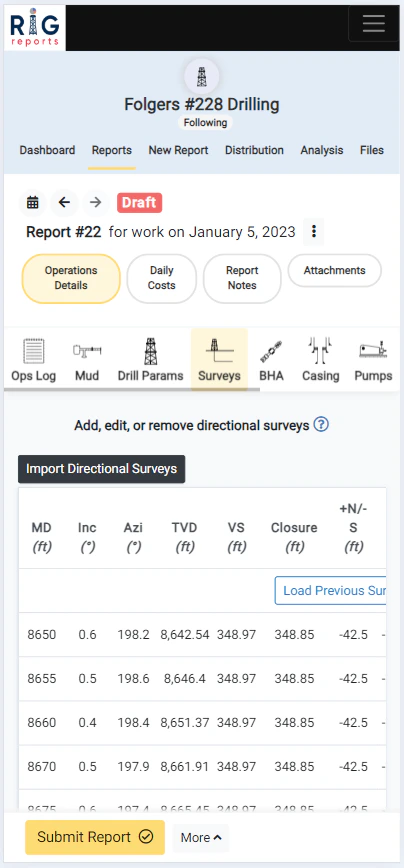
- The directional survey import functionality has been updated to allow for partial success and failures.
- If a user attempts to import multiple surveys from a template file, only the surveys that conflict with an existing survey will fail. The surveys that have no conflicts will succeed.
- After importing a batch of surveys where one (or more) of the surveys fail and have a conflict, the user is shown a list of the surveys that succeeded and which surveys failed. The user can then pinpoint if the surveys that failed need to be modified or can simply be skipped because they were already recorded.
- Prior to this release, if one (or more) surveys conflicting with an existing survey, all surveys attempting to be imported would fail.Select the entry component data you would like to view. Then click the “Export Data” button
Overview
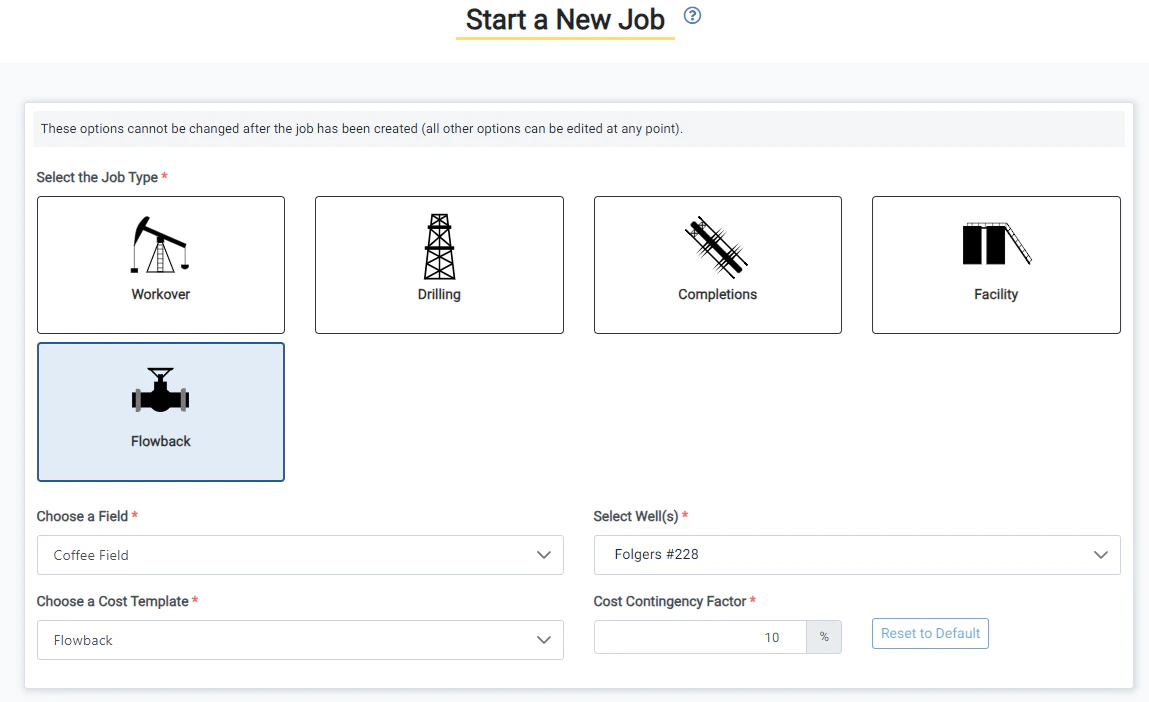
- Flowback job types are now available. Create reports and manage your flowback work.
- When creating a Flowback job, you can enter the initial load of fluid to recover. This will allow you to track the load remaining to recover as fluid is flowed back from the well.