> ## Documentation Index
> Fetch the complete documentation index at: https://docs.rigreports.com/llms.txt
> Use this file to discover all available pages before exploring further.
# How do I update a user's full name or role?
## Edit User
This guide provides clear steps for updating a user's name or role in RigReports.
## Access User Management
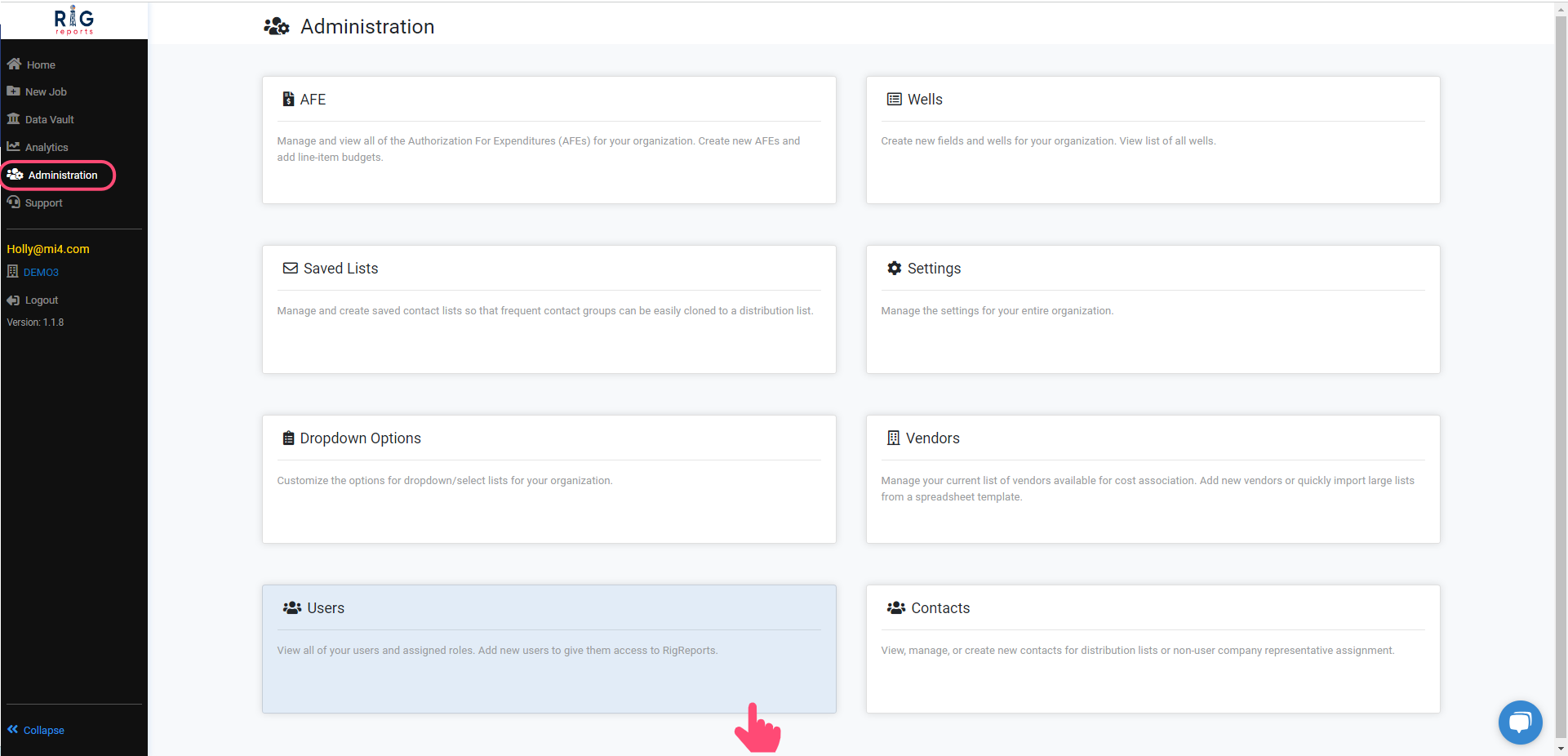
After logging in, navigate to the **Administration** tab, and select **Users**.
Access to the User Management section is only available to users with a role of Administrator.
 ## Locate the User
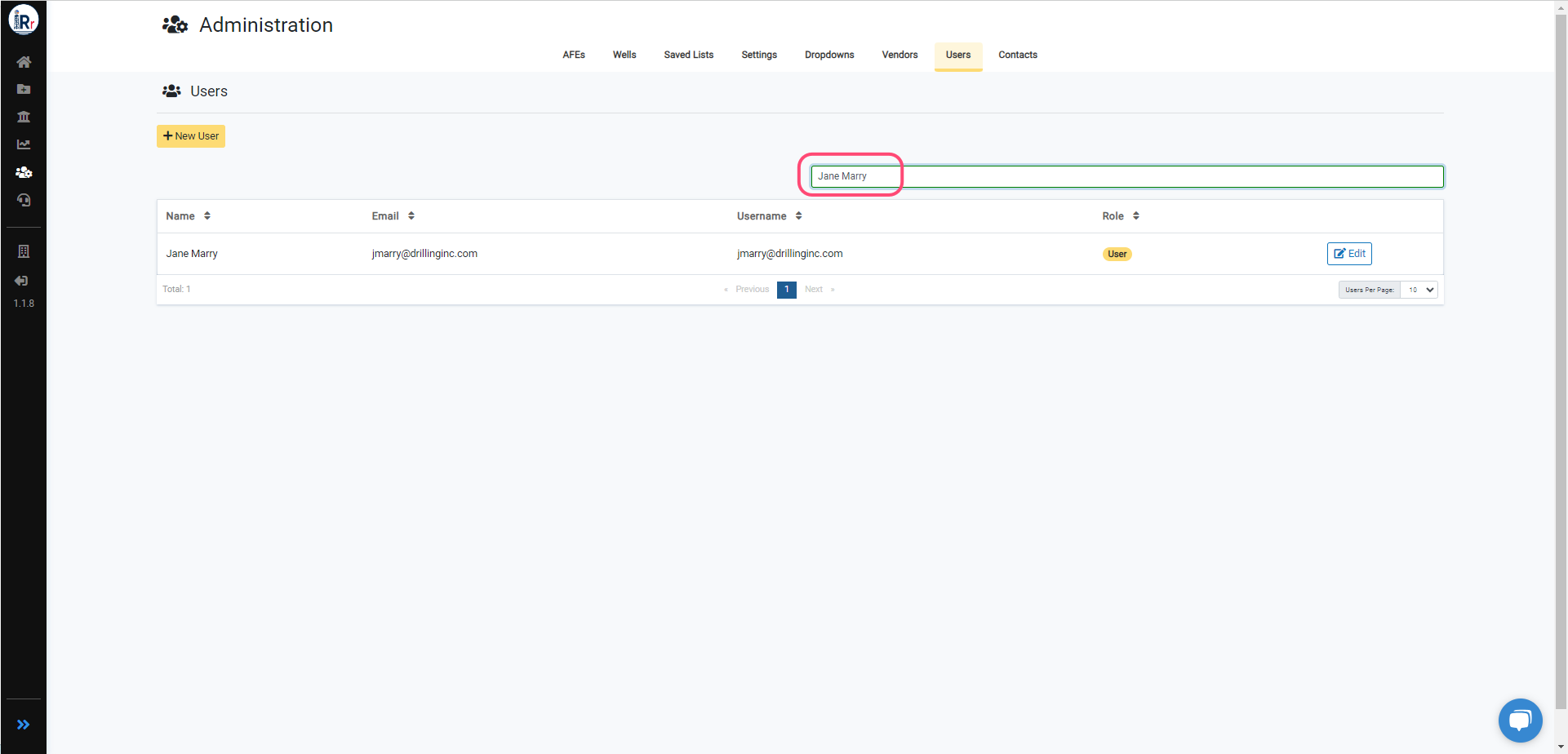
Find the user you wish to edit, then click the **Edit** button next to their role.
You may filter by name, email, username, or role in the search bar.
## Locate the User
Find the user you wish to edit, then click the **Edit** button next to their role.
You may filter by name, email, username, or role in the search bar.
 ## Edit Role
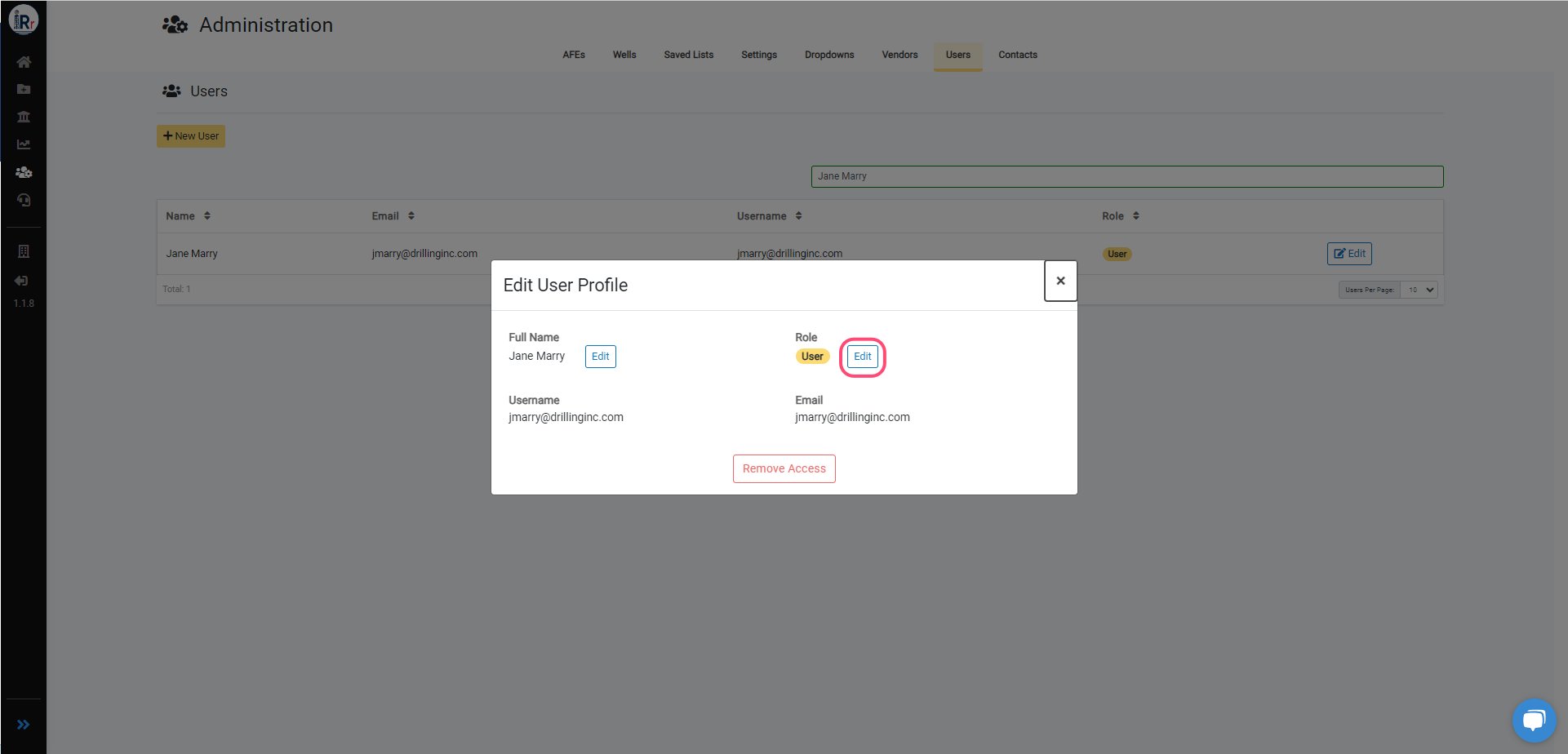
To edit a user's role, click the **Edit** button next to the role and select the new role.
Click the **Submit** button once you've made your modification.
Role modifications will immediately affect a user's access. If they do not immediately see all of their new privileges, please have them log out and log back in.
## Edit Role
To edit a user's role, click the **Edit** button next to the role and select the new role.
Click the **Submit** button once you've made your modification.
Role modifications will immediately affect a user's access. If they do not immediately see all of their new privileges, please have them log out and log back in.
 ## Edit Full Name
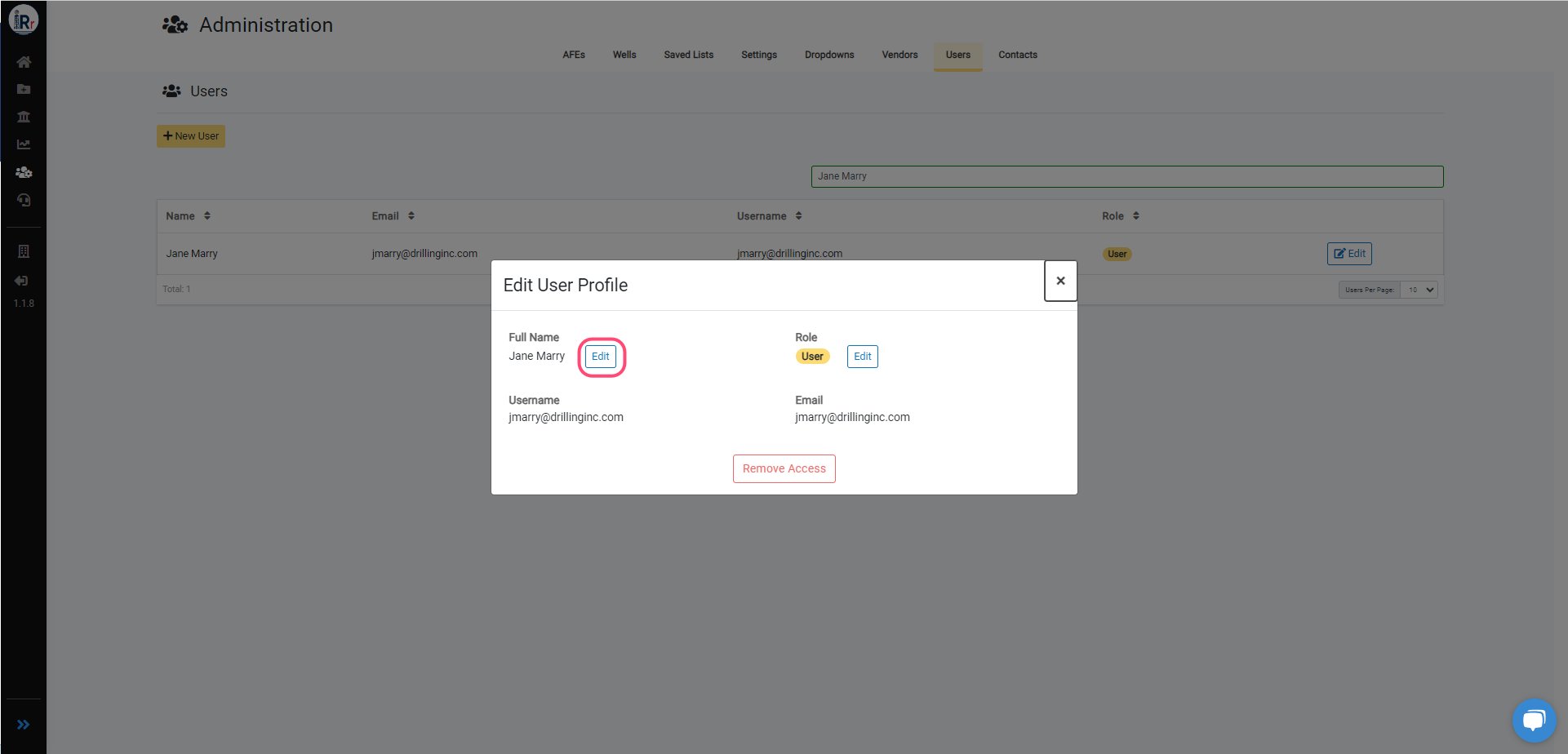
To edit a user's full name, click the **Edit** button next to the full name and apply your new name.
Click the **Update** button once you've made your modification.
## Edit Full Name
To edit a user's full name, click the **Edit** button next to the full name and apply your new name.
Click the **Update** button once you've made your modification.
 ***
See also: steps for removing a user's access to RigReports.
***
See also: steps for removing a user's access to RigReports.